

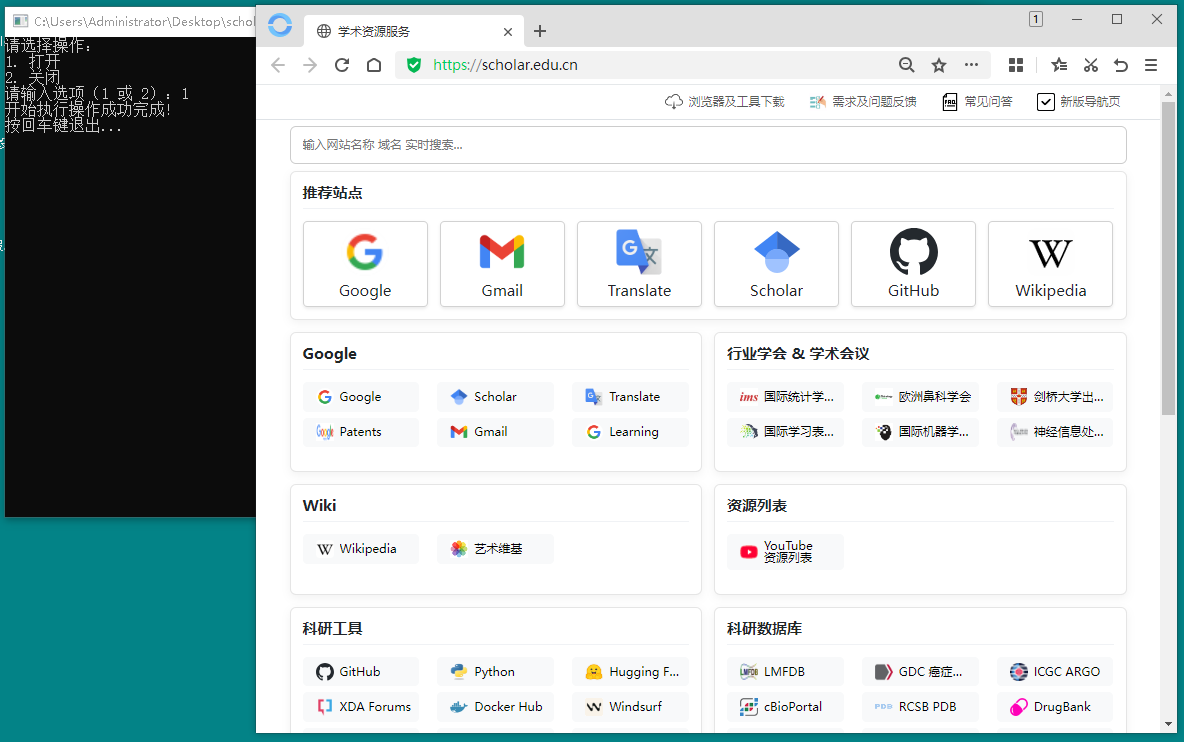
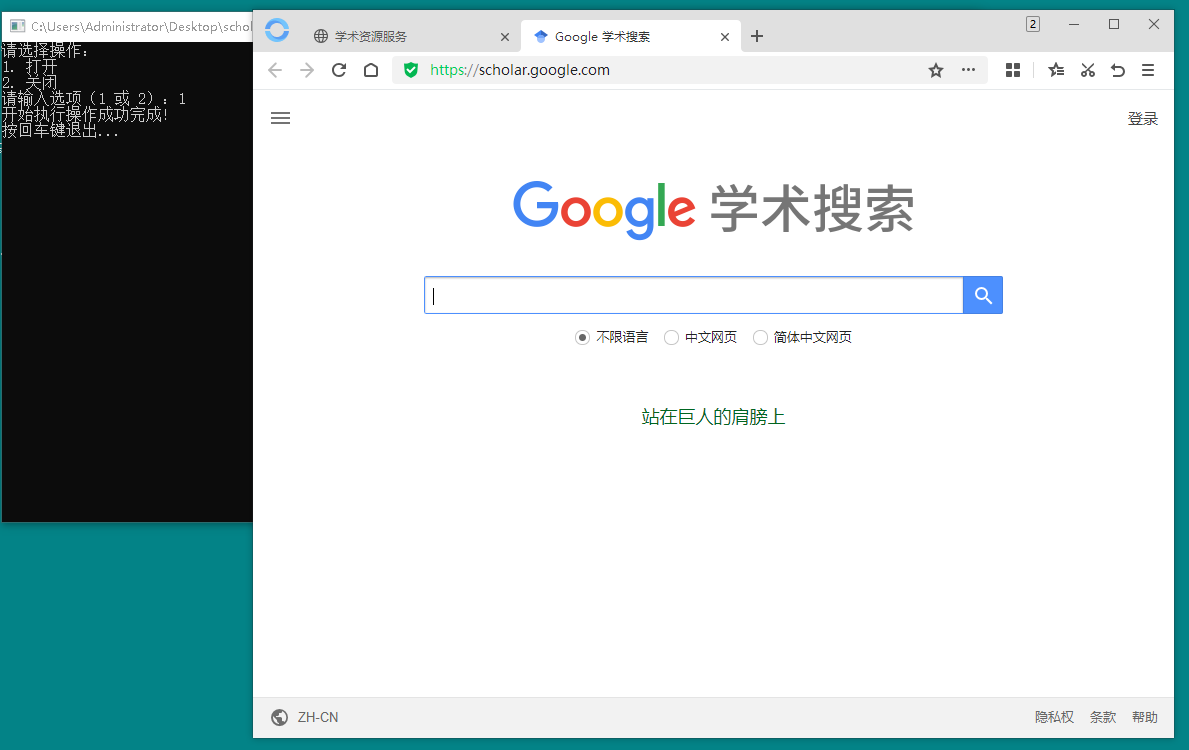
1、下载附件1:境外学术资源访问工具scholartools.exe,使用超级管理员运行scholartools.exe,输入 1 运行程序。
scholartools.exe 每次访问资源都需要运行
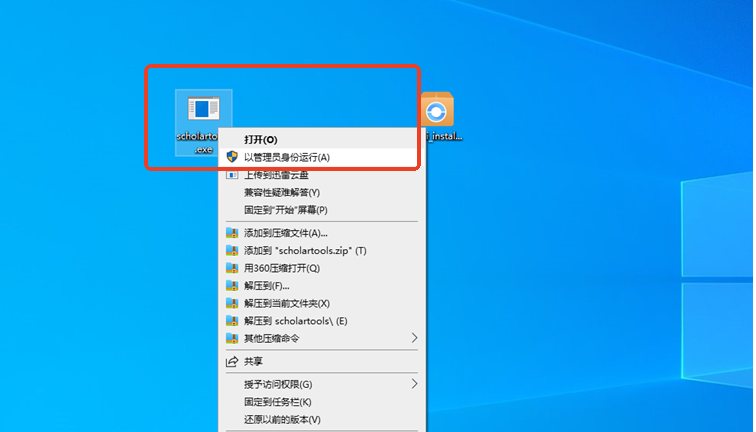
scholartools.exe 每次访问资源都需要运行
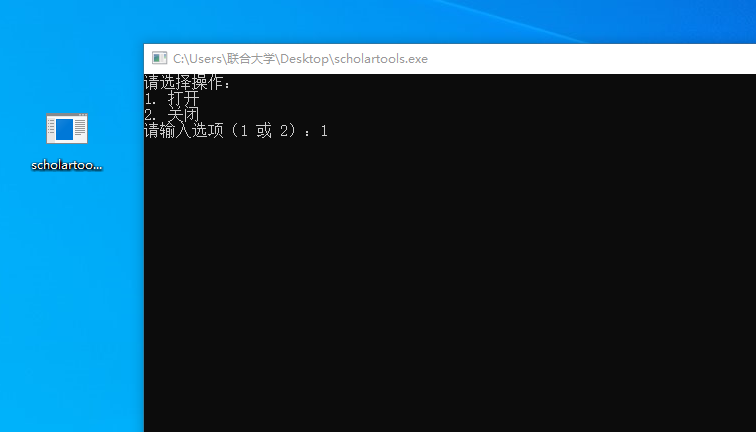
scholartools.exe 每次访问资源都需要运行
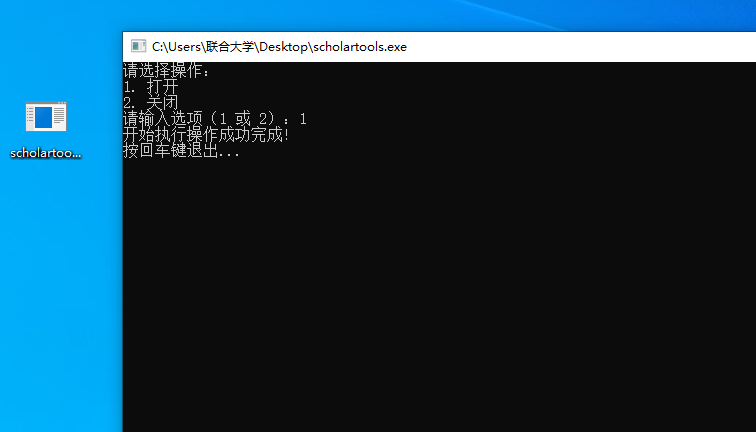
2、下载附件2:附件2:境外学术资源访问专用OPEN浏览器mini_installer1.1.1057.64.exe,并安装。
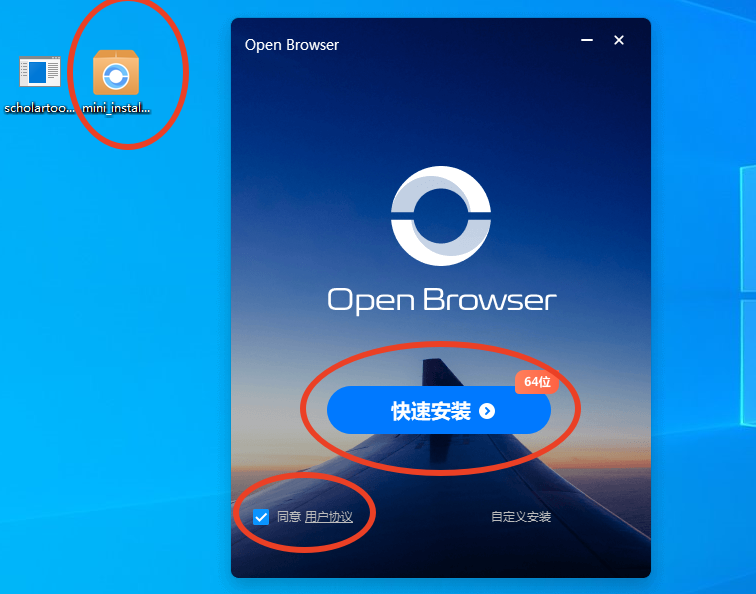

3、打开OPEN浏览器,输入网址:https://scholar.edu.cn/,浏览指定资源。scholartools.exe 每次访问资源都需要同时运行。
 附件1:境外学术资源访问工具scholartools.exe